
Best AI Apps for Students Pakistan 2026: 7 Free Tools for Study, Notes & Editing
📌 In This Article
- Where to Download These AI Apps Safely?
- Quick Comparison: 7 Best AI Apps for Students 2026
- 1\. ChatGPT App: Your Personal Tutor Available 24/7
- How Students in Pakistan Use ChatGPT in 2026
- Real Example for Pakistani Students
- Where to Download ChatGPT
- 2\. Grammarly Keyboard: Stop Embarrassing English Mistakes
- Why Every Pakistani Student Needs This in 2026
- Is Grammarly Really Free?
- Where to Download
- 3\. Notion AI: Turn 10 Pages into 10 Points
- 3 Ways Notion AI Saves Students Hours Every Week
- How to Get Notion AI for Free
- 4\. Remini: Fix Blurry Photos of Notes in 1 Click
- The Problem Every Student Faces
- Best Uses for Students
- 5\. Canva: Make A+ Presentations Without a Laptop
- Why Canva is a Student Superpower in 2026
- 6\. Google Lens: Your Camera is Now a Scanner + Tutor
- 3 Things Google Lens Does That Save Students Daily
- 7\. QuillBot: Rewrite Sentences to Avoid Plagiarism
- How to Use QuillBot Correctly
- Which AI App Helps with HEC Scholarship Applications?
- iPhone vs Android: Are These Apps Safe to Download?
- FAQs: Real Questions from Pakistani Students
- Q1: Do these AI apps steal my data or photos?
- Q2: Which app is completely free with no limits?
- Q3: Can I use these on a laptop?
- Q4: Will my teacher know I used AI?
- Q5: Should I buy the paid Pro version?
- Final Verdict: Which 4 Apps Should You Download Today?
Student life in Pakistan is not easy. Long assignments, unclear notes from friends, presentations due tomorrow, and English grammar mistakes that teachers never ignore.
But in 2026, you do not have to do everything alone. AI apps can now handle 70% of your boring student work, so you focus on actually learning.
The problem is simple: The Play Store has thousands of apps with “AI” in the name. Most of them are full of ads, ask for money after 2 clicks, or just do not work.
So I tested 30+ apps for 2 weeks. These 7 AI apps are free, safe, and actually useful for Pakistani students. They work on both Android and iPhone. No major watermark issues.
Where to Download These AI Apps Safely?
Before we start, one rule: Never download from random APK websites. They contain viruses that steal your data.
Always use these 2 places only:
- Google Play Store for Android phones
- Apple App Store for iPhone
If an app asks for “Contacts” or “SMS” permission but it is a photo editor, deny it. A notes app does not need your call history.
Quick Comparison: 7 Best AI Apps for Students 2026
If you are short on time, check this table first. It shows which app does what, and if it is really free.
| # | App Name | Best For | Is Free Plan Useful? | Watermark Issue? | Rating |
|---|---|---|---|---|---|
| 1 | ChatGPT | Explaining topics, assignments | Yes, GPT-3.5 is free | No watermark | 4.5★ |
| 2 | Grammarly Keyboard | Fixing English grammar | Yes, basic fixes free | No watermark | 4.4★ |
| 3 | Notion AI | Notes summary, study plan | 20 AI replies free | No watermark | 4.7★ |
| 4 | Remini | Clearing blurry notes photos | 5 photos/day free | Small watermark | 4.3★ |
| 5 | Canva | Presentations, posters | 100+ templates free | No watermark | 4.8★ |
| 6 | Google Lens | Solving math, scanning books | 100% free always | No watermark | 4.6★ |
| 7 | QuillBot | Paraphrasing sentences | 125 words free | No watermark | 4.5★ |
Now let’s talk about each app in detail. I will tell you exactly how a student can use it.
1\. ChatGPT App: Your Personal Tutor Available 24/7
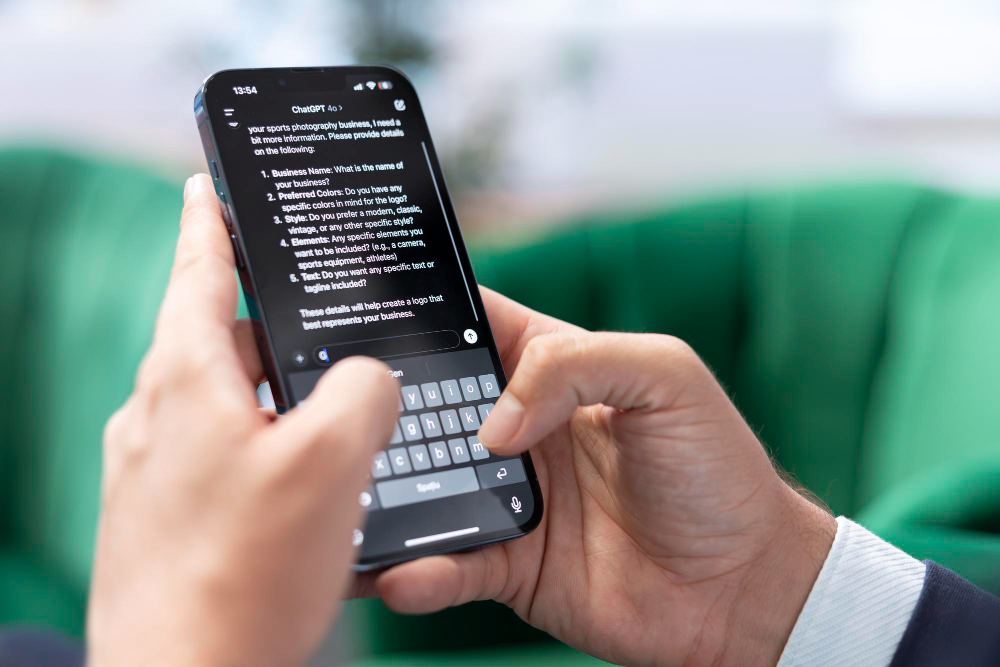
ChatGPT is made by OpenAI. Think of it as a senior who has read every book in the world and never gets tired of your questions.
How Students in Pakistan Use ChatGPT in 2026
In 2026, the app got 3 big updates that make it perfect for students:
- Voice Mode is Free: You can now speak your question in Urdu or English, and it replies back in voice. This is amazing for hostel students who are tired of typing.
- Photo Input: Take a picture of a difficult math question or a paragraph from your book. Upload it to ChatGPT. It will solve the math step-by-step or explain the paragraph in simple words.
- No Forced Sign-in: For basic questions, you do not even need to create an account. Just open and ask.
Real Example for Pakistani Students
You are applying for the HEC Need Based Scholarship. You do not understand the eligibility criteria.
Open ChatGPT and type:Explain HEC Need Based Scholarship eligibility for a 1st semester BS student like I am 10 years old.
It will give you 5 simple points you can actually understand. You can then use that info to fill your form correctly.
Where to Download ChatGPT
Search “ChatGPT” on Play Store or App Store. Make sure the developer name is “OpenAI”. There are many fake apps. The real app is 50MB.
Limit to Know: The free version uses GPT-3.5. The smarter GPT-4 needs payment. But for school and BS level, GPT-3.5 is more than enough.
2\. Grammarly Keyboard: Stop Embarrassing English Mistakes
Grammarly is a keyboard app. Once you install it, it fixes your English in WhatsApp, Gmail, MS Word, and even your university portal.
Why Every Pakistani Student Needs This in 2026
Our teachers check two things: Your content and your English. You can have great ideas, but if your email says “Sir, I am sending my assignment” instead of “Sir, I am submitting my assignment”, it looks unprofessional.
Grammarly fixes this in real time.
- Assignment Emails
- CV and Cover Letters
- Tone Detector
Is Grammarly Really Free?
Yes. The basic grammar, spelling, and punctuation checker is 100% free forever.
Pro Tip: Turn it on while filling government forms or scholarship applications online.
Where to Download
Search “Grammarly Keyboard” on Play Store or App Store. Developer: Grammarly, Inc.
3\. Notion AI: Turn 10 Pages into 10 Points
Notion is a notes app. Notion AI is the smart robot inside it. This is the #1 app toppers are using in 2026.
3 Ways Notion AI Saves Students Hours Every Week
- Instant Summary
- MCQs Generator
- Study Timetable
How to Get Notion AI for Free
Notion AI gives 20 free responses per month. But here is the student hack: If you sign up with your university email like name@uni.edu.pk, you get Notion AI unlimited for free.
4\. Remini: Fix Blurry Photos of Notes in 1 Click
The Problem Every Student Faces
You missed a lecture. Your friend sends you pictures of the notes on WhatsApp. But the pictures are blurry, dark, or taken from a bad angle.
Remini uses AI to make that blurry photo look HD.
Best Uses for Students
- Attendance Issues
- Past Papers
- Whiteboard Photos
Limit to Know: You get 5 free photo enhancements per day.
5\. Canva: Make A+ Presentations Without a Laptop
Why Canva is a Student Superpower in 2026
- 1 Million+ Free Templates
- AI Magic Write
- Background Remover
Student Hack: Canva gives Canva Pro free for 1 year if you verify with a university email.
6\. Google Lens: Your Camera is Now a Scanner + Tutor
3 Things Google Lens Does That Save Students Daily
- Math Solver with Steps
- Text Scanner
- Book Translator
Best Part: Google Lens is 100% free.
7\. QuillBot: Rewrite Sentences to Avoid Plagiarism
How to Use QuillBot Correctly
- Find your info
- Paste 1 paragraph
- Choose “Academic” mode
- Copy the new version
Warning: Do not use this to cheat.
Which AI App Helps with HEC Scholarship Applications?
| Your Task | Best AI App to Use |
|---|---|
| Understanding HEC eligibility | ChatGPT |
| Writing your application | Grammarly + QuillBot |
| Scanning income certificate | Google Lens |
| Clearing blurry documents | Remini |
iPhone vs Android: Are These Apps Safe to Download?
Yes, if you follow 3 rules:
- Only use Play Store or App Store.
- Check the Developer Name.
- Check Permissions.
FAQs: Real Questions from Pakistani Students
Q1: Do these AI apps steal my data or photos?
Q2: Which app is completely free with no limits?
Q3: Can I use these on a laptop?
Q4: Will my teacher know I used AI?
Q5: Should I buy the paid Pro version?
Final Verdict: Which 4 Apps Should You Download Today?
If your phone storage is low, download these 4 first.
- Google Lens
- ChatGPT
- Grammarly Keyboard
- Canva
These 4 apps = Student superpowers unlocked.
Also Read :- Scholerships 2026

YouTube Automation 2026: Complete Guide to Start a Faceless Channel & Earn $500/Month
April 19, 2026
Best AI Tools for YouTube Automation in 2026: 7 Tools to Run Faceless Channels
April 20, 2026
YouTube Automation: How to Start a Faceless Channel with Free AI Tools
April 24, 2026![How to Earn Money on Fiverr: Beginner to First Order in 7 Days [2026]](https://ofolatolyxwxzujoblie.supabase.co/storage/v1/object/public/blog-media/dbbcujrtp6r.webp)
💬 Comments
No approved comments yet. Be the first to share your thoughts!
Leave a Comment
Your email address will not be published. Required fields are marked *