
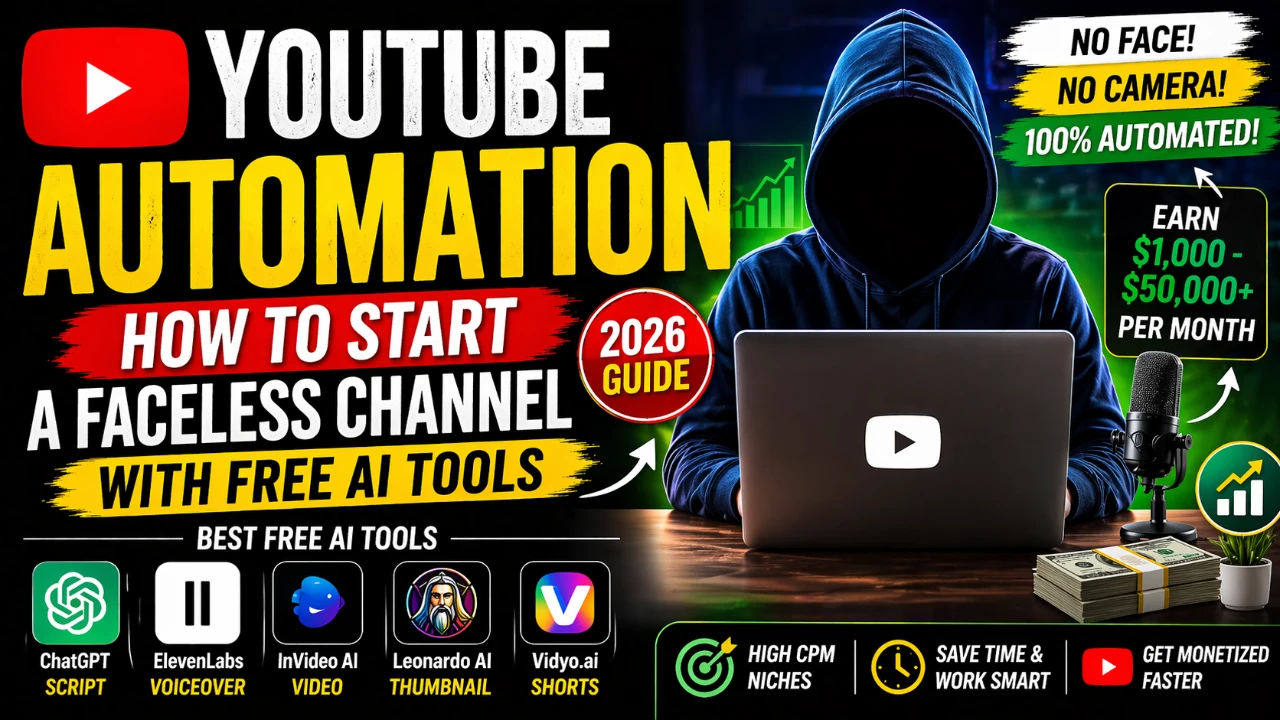
YouTube Automation: How to Start a Faceless Channel with Free AI Tools
📌 In This Article
- **What is YouTube Automation? Explained Simply**
- **YouTube Automation vs Traditional YouTube Channel**
- ****
- ****
- **5 Best Free AI Tools for YouTube Automation in 2026**
- **How to Start a YouTube Automation Channel: 5-Step Process**
- **Step 1: Pick a High-CPM Faceless Niche**
- **Step 2: Create and Optimize Your Channel**
- ****
- **Step 3: Create Your First Video Using AI**
- **Step 4: Upload with Perfect YouTube SEO**
- **Step 5: Post Consistently and Get Monetized**
- ****
- **3 Common YouTube Automation Mistakes That Kill Channels**
- **FAQs About YouTube Automation**
- **Conclusion: Start Your YouTube Automation Business Today**
YouTube automation is a business model where you use AI tools and simple systems to run a YouTube channel on autopilot. You do not record yourself. You do not edit for 10 hours. Instead, you manage the process while AI tools handle 90 percent of the work.
In this complete 2026 beginner guide, I will explain what is yt automation, which free AI tools you need, and the exact 5-step process to launch your first faceless channel this week.
This method is 100 percent legal and follows all YouTube policies. Many faceless channels are already using it to earn $1,000 to $50,000 per month from AdSense.
Disclaimer: YouTube automation is not a get-rich-quick scheme. Your income depends on niche selection, video quality, consistency, and YouTube policy changes. Results are not guaranteed.
**What is YouTube Automation? Explained Simply**
YouTube automation means you automate or outsource every task required to run a YouTube channel.
Here is how a normal video is made versus how an automated video is made:
For a traditional YouTuber, the process is: Write script for 3 hours, set up camera and lights for 1 hour, record for 2 hours, edit for 5 hours, make thumbnail for 1 hour. Total time is 12 hours for one video.
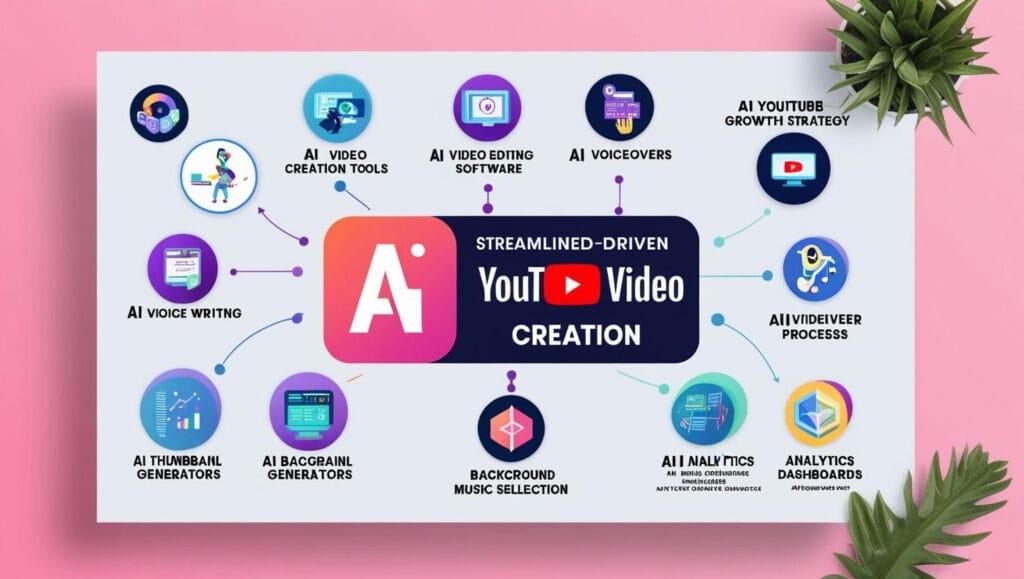
For a YouTube automation channel, the process is: ChatGPT writes the script in 5 minutes, ElevenLabs creates the voiceover in 3 minutes, InVideo AI turns the script into a video in 10 minutes, Leonardo AI creates the thumbnail in 5 minutes, and you upload in 5 minutes. Total time is under 30 minutes.
Your role changes from creator to manager. You research topics, manage the AI tools, and collect the ad revenue. This is why it is called a "youtube automation business".
Is YouTube automation allowed? Yes. YouTube’s CEO has stated that AI-assisted content is allowed. YouTube only penalizes reused content, spam, or misleading videos. If your video provides original value using AI tools, you are safe and eligible for monetization.
**YouTube Automation vs Traditional YouTube Channel**
Understanding the difference helps you decide if this model is for you.
The first difference is face reveal. A traditional YouTuber must show their face and record themselves. A YouTube automation channel is 100 percent faceless. You never appear on camera.
The second difference is time investment. A traditional video takes 8 to 12 hours from idea to upload. An automated video takes 1 to 2 hours because AI tools handle writing, voice, and editing.
The third difference is skills required. A traditional YouTuber needs camera skills, editing skills, and on-camera confidence. For youtube automation, you only need research skills and basic computer knowledge. The AI handles the technical parts.
The fourth difference is startup cost. A traditional setup needs a camera, microphone, and lights which can cost $500 or more. You can start a YouTube automation channel for $0 by using the free plans of AI tools.
The fifth difference is scaling. A traditional YouTuber is limited because one person can only run one channel effectively. With automation, one person can manage 3 to 5 channels because the time per video is so low.
This is why faceless youtube channel models are popular for people who want passive income instead of personal fame.
** **
**
**
**
**5 Best Free AI Tools for YouTube Automation in 2026**
You do not need to spend $100 per month to start. These five tools have generous free plans that are enough to get your channel monetized.
1. ChatGPT for Scripts and Ideas. The free version of ChatGPT using GPT-3.5 is unlimited. You use it for two things. First, ask for viral video ideas with a prompt like "Give me 10 viral video ideas about AI tools for beginners". Second, ask it to write your script with a prompt like "Write a 1500-word YouTube script in simple English about 3 free AI tools. Include a strong hook in the first 3 seconds". A good hook increases audience retention which is critical for the algorithm.
2. ElevenLabs for AI Voiceovers. ElevenLabs offers 10,000 free characters per month. This is enough for two full 5-minute videos. The voices sound 95 percent human and you can choose from multiple English, Urdu, or Hindi options. A pro tip is to create three Gmail accounts to get 30,000 free characters per month. This gives you six videos monthly without paying.
3. InVideo AI for Script to Video. InVideo AI has a free plan that gives you 10 minutes of video exports per week with a watermark. You paste your script, choose a "Tech" or "Finance" template, and the AI automatically adds stock footage, text animations, and transitions. To remove the watermark for free, download the video and use CapCut to crop 1 percent from the bottom of the frame.
4. Leonardo AI for Thumbnails. Leonardo AI gives you 150 free image generations per day. This is perfect for making high-CTR thumbnails. Use prompts like "MrBeast style thumbnail, shocked face, red arrow pointing at text EXPOSED, bright background". Generate 10 options and pick the best one. Thumbnails decide 80 percent of your clicks.
5. http://Vidyo.ai for YouTube Shorts. http://Vidyo.ai has a free plan that processes 75 minutes of video per month. You upload one long video and the AI automatically cuts it into 10 viral shorts with captions. Posting 3 shorts per day is the fastest way to get 1000 subscribers for monetization.
By combining these tools, your total cost to start a youtube automation channel is zero dollars. Your time cost is about 90 minutes for your first video and 25 minutes for every video after that.
**How to Start a YouTube Automation Channel: 5-Step Process**
Follow these five steps in order. Do not skip step one because niche selection decides your income.
**Step 1: Pick a High-CPM Faceless Niche**
CPM means "Cost Per Mille" or how much advertisers pay per 1000 views. Do not pick gaming or vlogs because their CPM is only $1 to $3. You want niches that pay $8 to $25 per 1000 views.
The best niches for youtube automation in 2026 are AI Tools and Tech with a CPM of $12 to $22. Video examples include "3 AI tools that will replace your job". The second best niche is Finance and Investing with a CPM of $15 to $25. Video examples include "How to invest $100 for beginners". The third is Health and Psychology with a CPM of $9 to $18. Video examples include "5 signs you are smarter than 90 percent of people". The fourth is Luxury and Business with a CPM of $10 to $20. Video examples include "Why billionaires wake up at 4 AM". The fifth is Scary Stories from Reddit with a CPM of $7 to $14. Video examples include "True horror stories from the deep web".
To test if a niche works, search it on YouTube. If the top 5 channels are faceless and have over 100,000 subscribers, the niche is validated and profitable.
**Step 2: Create and Optimize Your Channel**
This takes 20 minutes. First, choose a channel name. Use ChatGPT and prompt "Give 10 faceless channel names for AI tools niche". Pick one that is short and memorable. Second, create a logo. Go to Canva, search "YouTube Logo", pick a free AI or Tech template, and download. Third, create a banner. In Canva, search "YouTube Banner" and write text like "New AI Video Every Tuesday". Fourth, write your About section. You need 100 words that include your keywords. For example: "We explore the best AI tools for youtube automation and business growth. Learn how to use free tools to build a faceless youtube channel and earn passive income." Fifth, verify your phone number with YouTube. This unlocks the ability to upload videos longer than 15 minutes which is required for ad revenue.
** **
**
**Step 3: Create Your First Video Using AI**
Let us use the AI Tools niche as an example. Your first video topic is "3 Free AI Tools That Will Save You 10 Hours Per Week".
Start with the script. Go to ChatGPT and use this prompt: "Write a 5-minute YouTube script about 3 free AI tools that save time. Use simple English. Start with a 3-second hook. Include examples for each tool." Copy the output.
Next, create the voiceover. Go to ElevenLabs, paste the script, select the "Adam" voice for a professional tone, and download the MP3 file.
Now make the video. Go to InVideo AI, click "Script to Video", paste your script, upload your MP3 voiceover, and select the "Tech" template. Click generate. In 5 minutes you will have a full video with stock footage and text. Download it.
Edit quickly. Open CapCut, import the video, click "Auto Captions", and select a bold style. This
increases watch time. To remove the InVideo watermark, use the crop tool and cut 1 percent from the bottom.
Finally, make the thumbnail. Go to Leonardo AI and prompt "3D render, futuristic robot holding a clock, text SAVE TIME, red background, high contrast, viral thumbnail style". Download the best image. Open Canva, add big bold text if needed, and export.
Your first video is now ready. Total time is about 60 minutes. Your second video will only take 25 minutes.
**Step 4: Upload with Perfect YouTube SEO**
SEO decides if your video gets views. Follow this exact structure.
For the title, use this formula: Number plus Trigger Word plus Keyword plus Curiosity. A good title is "3 Free AI Tools That Will Save You 10 Hours Per Week ". This includes a number, trigger word "Free", keyword "AI Tools", and curiosity.[Insane]
For the description, the first two lines are most important. Write: "These 3 free AI tools will automate your work in 2026. I tested them for 30 days and here are the results. Tool number one is InVideo AI for youtube automation. It turns text to video in 2 minutes..." Then write 200 more words describing the tools and use your keywords yt automation, youtube automation tools, and faceless youtube channel at least three times naturally.
For tags, use: youtube automation, ai tools, faceless youtube channel, how to make money on youtube, chatgpt, make money online. Use all 500 characters.
For the thumbnail, upload your custom Leonardo AI design. Never use YouTube auto-generated thumbnails.
For playlists, create a playlist called "AI Tools 2026" and add your video. This increases session time.
For end screens, add an element that links to your next video and a subscribe button at the last 20 seconds.
**Step 5: Post Consistently and Get Monetized**
The YouTube requirement for monetization is 1000 subscribers and 4000 hours of public watch time in the last 12 months.
To hit this in 30 to 60 days, post one long-form video and three YouTube Shorts every day. Long videos build watch time. Shorts build subscribers fast.
Never use a VPN to manage your channel. YouTube will give a permanent ban. Always use your real IP.
Never copy other people’s scripts word for word. That is reused content. Using AI to help write an original script is allowed. Always add your own editing, voice, and opinion.
After you are monetized, YouTube pays through AdSense. For AI and Finance niches, you earn $3 to $15 per 1000 views. If your channel gets 100,000 views per month, you earn $300 to $1500 per month. Top channels do millions of views.
** **
**
**3 Common YouTube Automation Mistakes That Kill Channels**
Mistake one is posting reused content. Downloading someone else’s TikTok and reuploading it to YouTube will get your channel banned. The solution is to always create original scripts, even with AI help.
Mistake two is using misleading thumbnails and titles. If your thumbnail says "You Won’t Believe This" but the video has no payoff, your audience retention will crash after two days and YouTube will stop promoting you. The solution is to deliver what the thumbnail promises.
Mistake three is posting inconsistently. If you post one video then disappear for 20 days, the algorithm forgets your channel. The solution is batch creation. Spend one day to create 10 videos using AI, then schedule one per day for 10 days.
**FAQs About YouTube Automation**
1. Is YouTube automation still working in 2026?
Yes. Low-effort spam channels are dead. But high-quality, AI-assisted faceless channels that provide value are earning $10,000 or more per month. Quality and consistency win.
2. How much does it cost to start a youtube automation channel?
You can start for $0 using all free AI tool plans. If you want to remove watermarks and limits, the cost is around $49 per month for ElevenLabs Pro and InVideo paid plan. Start free first.
3. How long does it take to make money with yt automation?
If you post one long video daily, you can reach monetization in 30 to 90 days. You receive your first AdSense payment 1 to 2 months after monetization starts.
4. Can I get banned for using AI on YouTube?
No. YouTube’s official policy allows AI content. You get banned for spam, copyright strikes, or misleading content. Using AI for scripts, voice, and editing is 100 percent safe if the final video is original.
5. What is the best niche for youtube automation for beginners?
The three best niches are AI Tools, Finance, and Psychology. They have high CPM rates, evergreen content, and are easy to script using ChatGPT. Avoid saturated niches like gaming compilations.
**Conclusion: Start Your YouTube Automation Business Today**
You now understand what is yt automation and have a complete blueprint to start. The free AI tools exist. The method is proven. The only thing missing is your action.
Here is your 24-hour action plan. First, pick one niche from the list above. Second, create your YouTube channel and make a logo and banner in Canva. Third, use ChatGPT and InVideo AI to produce your first video today. Fourth, upload it using the SEO template I gave you.
Stop watching more tutorials about how to start youtube automation. Start uploading. Your first $100 month is only 10 to 15 videos away.
Which niche will you choose for your faceless channel? Leave a comment below and I will help you with title ideas.
YouTube Automation 2026: Complete Guide to Start a Faceless Channel & Earn $500/Month
April 19, 2026
Best AI Tools for YouTube Automation in 2026: 7 Tools to Run Faceless Channels
April 20, 2026![How to Earn Money on Fiverr: Beginner to First Order in 7 Days [2026]](https://ofolatolyxwxzujoblie.supabase.co/storage/v1/object/public/blog-media/dbbcujrtp6r.webp)
How to Earn Money on Fiverr: Beginner to First Order in 7 Days [2026]
April 22, 2026
💬 Comments
No approved comments yet. Be the first to share your thoughts!
Leave a Comment
Your email address will not be published. Required fields are marked *